timeware® HRMS › Clocking in
timeware® HRMS · Module
Clocking in.
Clock in from a reader, a phone or a Puck.
Mobile, NFC tag, face authentication, fingerprint or proximity fob, there’s a way to make an attendance booking for every type of business, and they all feed the same timesheets.
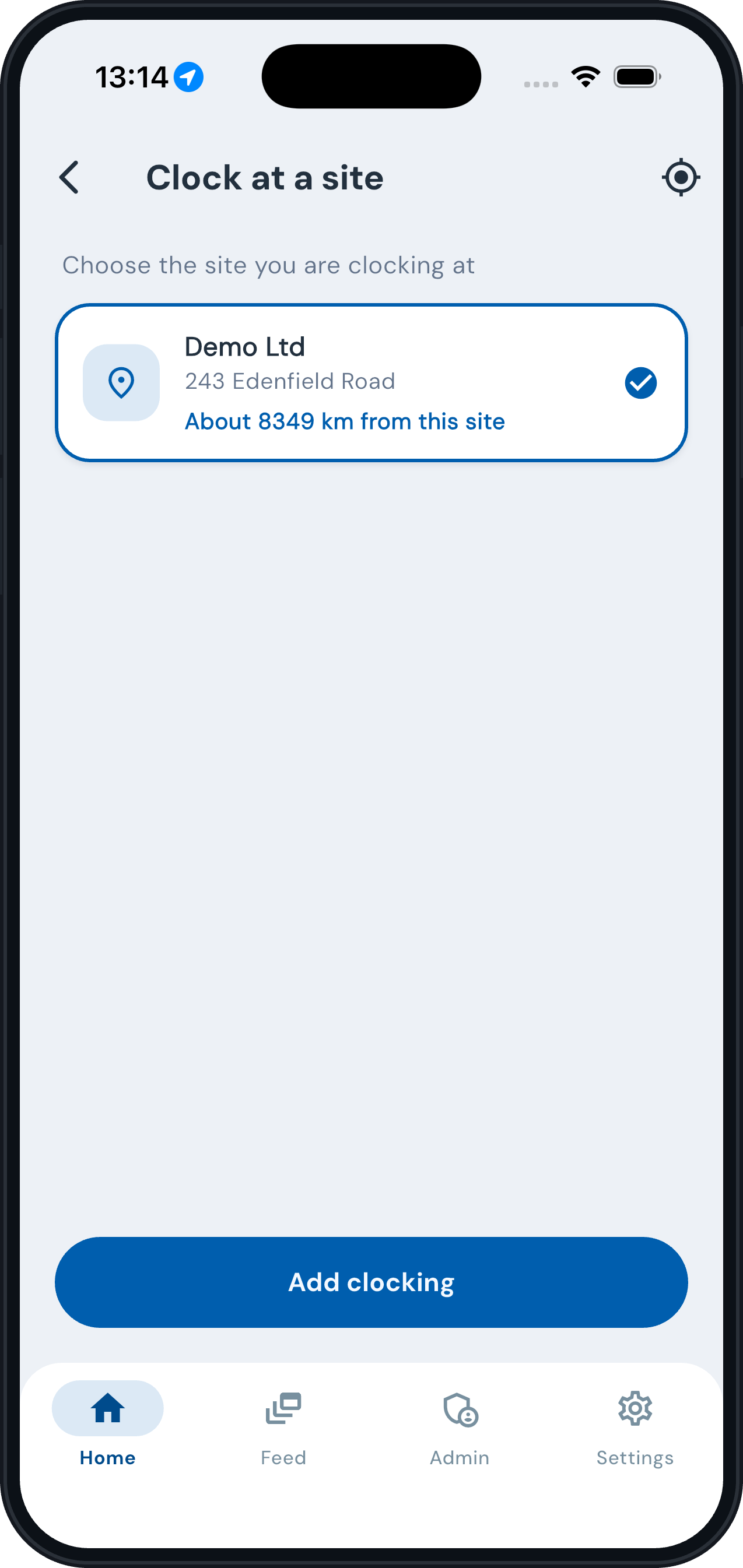
Employee app
Mobile or static workforce · Android & iOS
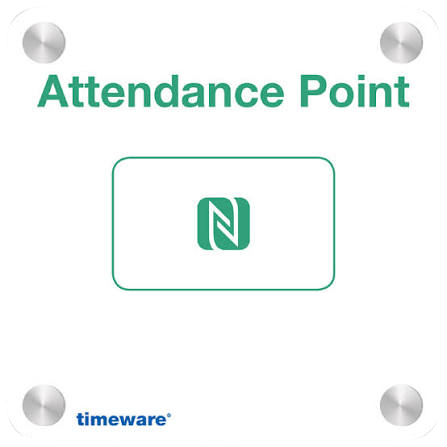
timeware® Puck
Low-cost NFC · no power or network · IP67
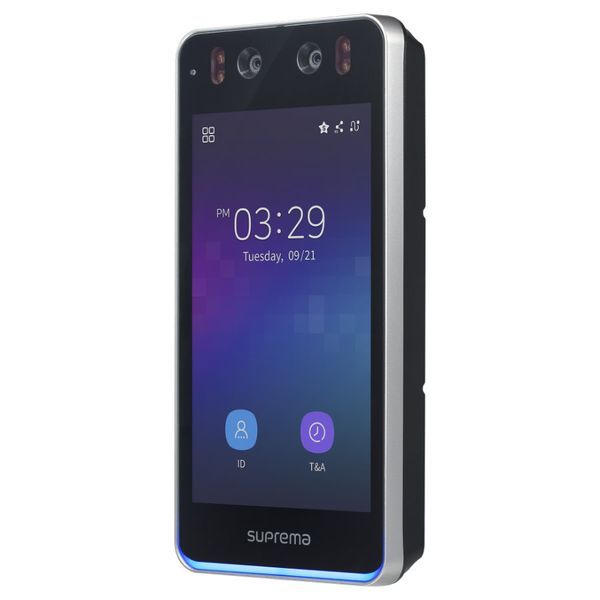
BioStation 3
Face recognition & proximity · IP65
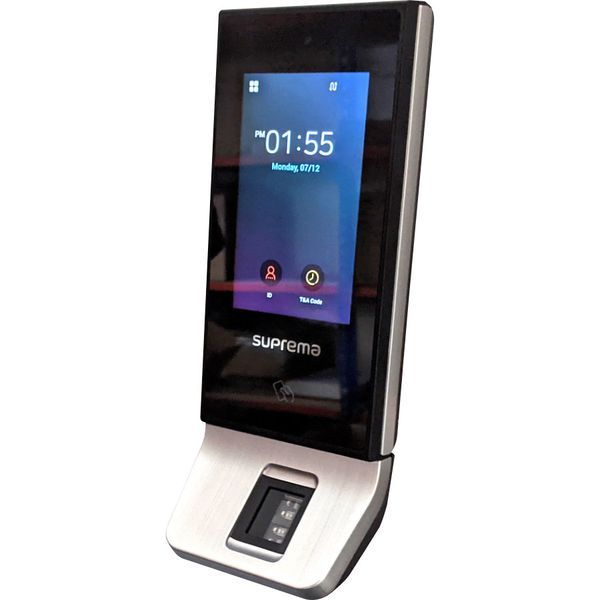
X-Station 2
Fingerprint & proximity · IP65 · PoE
Key functions
✓
Mobile and remote workers book attendance from anywhere via the employee app.
✓
Multi-technology authentication: face recognition, fingerprint and proximity.
✓
Seamless integration with Suprema devices including BioStation 3 and X-Station 2.
✓
Off sick with a stomach bug? timeware® pauses their access until they are clear to return, keeps their credentials, and lifts it automatically. See clear to return.
✓
Flexible deployment with the timeware® Puck, ideal for sites without infrastructure.
✓
Reliable, secure time capture across all working environments.
Questions
Clocking in, answered.
Which devices can staff clock in on?
Suprema biometric and proximity readers, any modern smartphone running the employee app, and NFC timeware® Pucks.
Can we specify a location?
Yes. Policies can require geolocation within a set radius.
What happens with no signal?
The employee app stores the clocking on the phone and syncs it automatically when the connection returns.
Can we mix device types?
Yes. One installation supports any combination of readers, phones and Pucks, with no device limit.